
Read the release page
Confirm the repository, tag, date and Windows asset before opening an archive.
update and rollback guide
The safest way to update Xenia Canary is to keep the working build intact, back up your saves and settings, download the new build from the official release page, and test one repeatable game scenario before changing patches or graphics options. This guide checked release tag a5262a9 on August 22, 2026; release identifiers can change, so use the official page as the source of truth.
| Source | Use the official Xenia Canary GitHub release page. The Windows archive direct URL was not used here because a stable HTTP 200/206 verification was unavailable. |
|---|---|
| Before update | Keep the current Canary folder, configuration files, profiles and important saves available for rollback. |
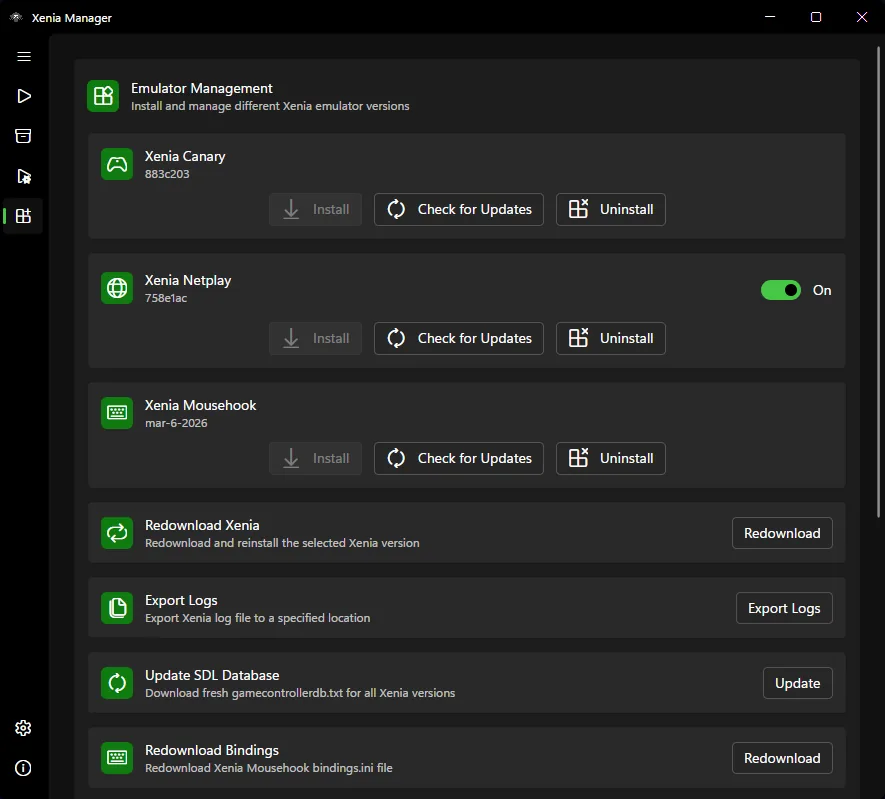
| Install pattern | Extract the new build separately or use Xenia Manager's update check without deleting the known-good build first. |
| Test | Run the same game, scene, renderer and content set before adding patches, DLC or new settings. |
| Rollback | If boot, graphics, audio, input or saves regress, return to the previous folder and record the build tag. |
before you update
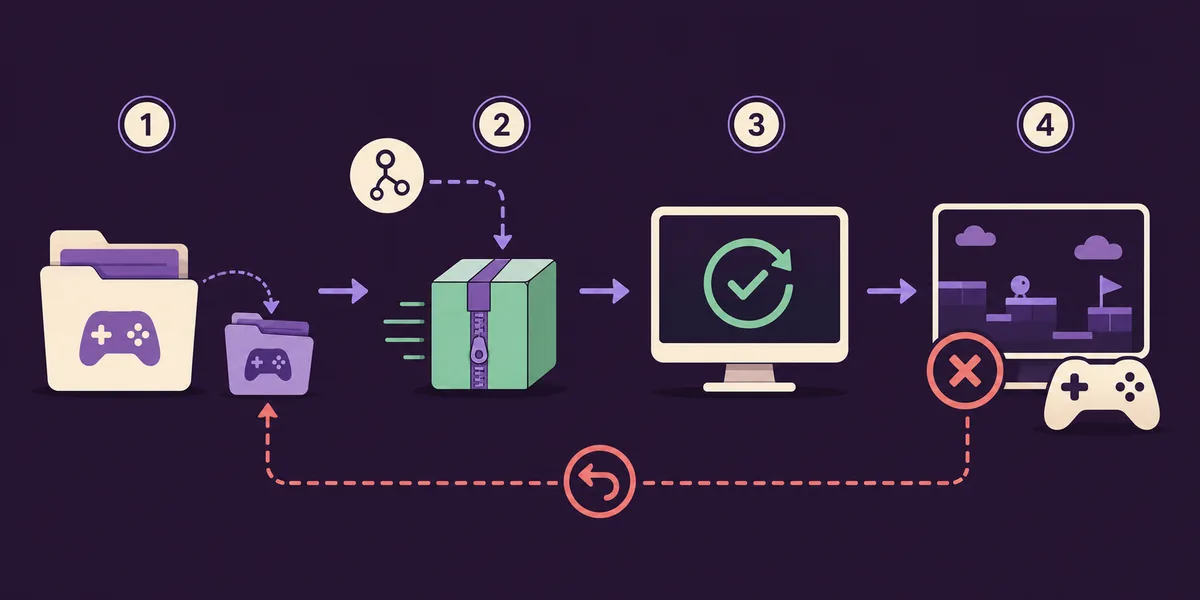
If you are asking how to update Xenia Canary, start with the version that already works. Do not overwrite it while you are still learning whether a new build improves your game. Copy the emulator folder to a clearly named backup location, and keep the active content, profile and configuration paths easy to identify.
A backup is more than the executable. Preserve the settings file, per-game profiles, patches you actually use and normal save data. The Xenia Manager workflow can organize versions, but it cannot decide which local files are legally obtained or which save belongs to a particular Title ID. Make the backup before you open the new archive.
The cleanest test changes one layer at a time. If you update Canary, change the emulator build first. Leave renderer, resolution, patches, DLC, Title Updates and controller settings unchanged until the baseline test finishes. That gives you a useful comparison instead of a pile of simultaneous changes.
source check
The official Xenia Canary GitHub release page is the right place to read the tag, release date, assets and project notes. On August 22, 2026, the checked release was a5262a9, named a5262a9_canary_experimental and published on August 22, 2026. Treat that as a dated verification, not a promise that it will remain the newest release after this guide is published.
Search results often mix Xenia Canary with unrelated emulator mirrors, old videos and repackaged archives. Check the repository owner, release tag and asset names before extracting anything. This page links to the release page because the Windows asset could not receive a stable HTTP 200/206 check from this environment; a verified official page is safer than an invented or temporary direct link.
The same rule applies to Xenia Manager. Its checked release was 4.3.2 from August 20, 2026, but updating the manager and updating Canary are separate changes. Record which component changed so a later regression is easier to reproduce.
manager workflow
Xenia Manager can make build management easier, but it does not turn an experimental build into a stable one. If the manager offers Check for Updates, inspect the selected build and destination before confirming. Prefer a clearly named version folder and make sure the manager is pointing to the executable you intend to test.
If you update manually, extract the new Windows archive into a new folder instead of replacing every file in the old folder. This keeps the previous executable, DLL files and local configuration available. When the new build launches, confirm that it sees the expected content root and that the manager has not silently changed your save or patch path.
Avoid treating a new build as a settings reset. Keep a known baseline, then compare the same title, resolution, renderer, controller and save path. If the update works, you can decide later whether to make it the default.
controlled test
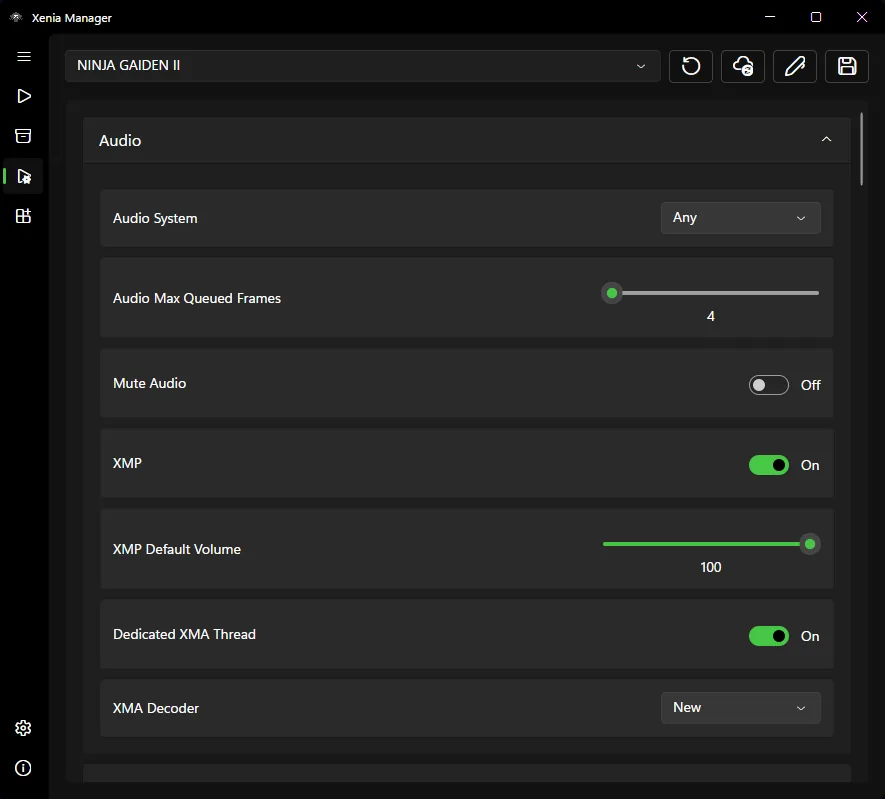
Launch the same game and repeatable scene that you used before the update. Keep the Title Update, DLC, patches, resolution, renderer and controller mapping unchanged. Check boot time, graphics, audio, input, cutscenes, save loading and whether the game reaches the same point without a crash.
A higher build tag does not guarantee a better result for every title. Canary can contain a fix that helps one game and a regression that hurts another. If a game improves, write down the exact tag and settings. If it becomes worse, do not immediately compensate with five new options; first compare against the previous folder.
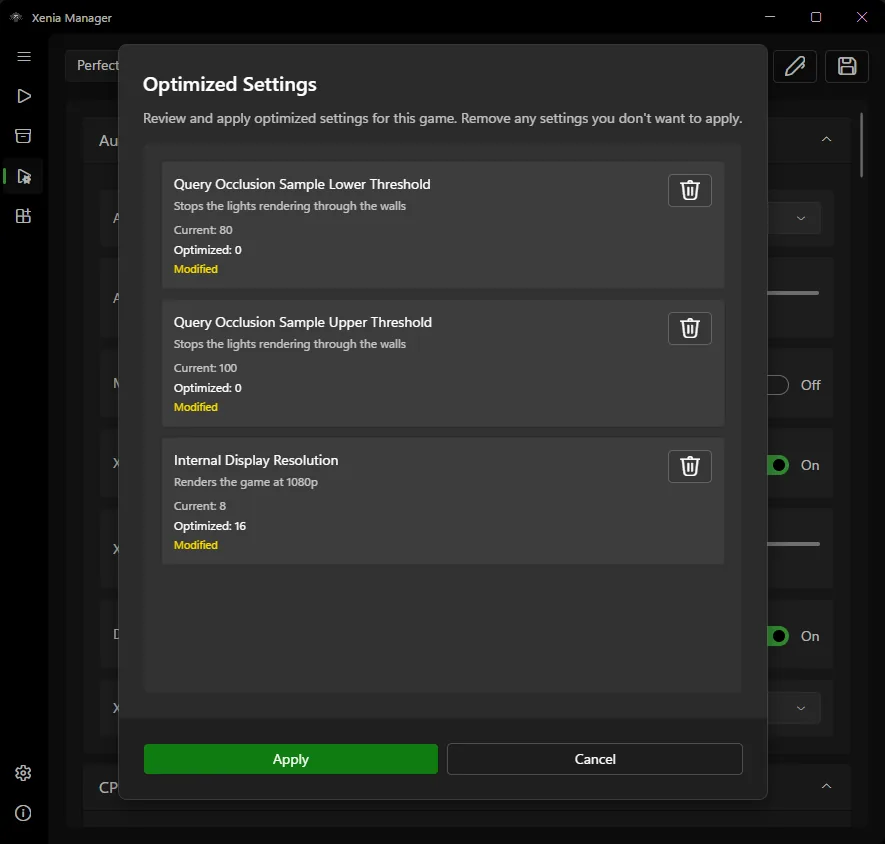
Per-game optimized settings should be treated as a separate decision. Apply them only after the plain update test is understood, and keep a copy of the previous profile. This makes it clear whether the build or the profile caused the change.
rollback
A rollback is a normal part of testing an experimental emulator. Return to the previous build if the game no longer boots, graphics become corrupted, audio breaks, input changes unexpectedly, performance drops sharply or a previously working save stops loading. Keep the old folder untouched while you compare results.
Do not delete the new build immediately. Record the failure, exact build tag, game revision, Title Update, patches and the point where the test stopped. That note can help you identify a real project regression and prevents you from repeating the same uncertain combination later.
If only one game fails, keep the new build for other titles and use the known-good build for the affected game. Xenia Manager's version organization is most useful when each build and profile has a clear name.
update notes
A short update log is more useful than a vague note saying that Canary is newer. Write down the checked release page, tag, date, Windows archive name, game, content revision, settings profile and result. If you later ask for help, these details make the problem reproducible.
Keep source notes separate from claims about compatibility. The release page can verify the build identity; it cannot guarantee that a particular game, patch or save will work on your PC. Use the compatibility guide and your own controlled test for that decision.
after the test
When the baseline test passes, do not delete the backup immediately. Keep the release tag, test result and previous folder together for a few sessions. A build that works in one opening scene may still regress during a longer play session or after a save reload.
If the result is mixed, use Xenia Manager to choose a build per game instead of forcing one Canary version on the whole library. A known-good older build is useful data, not wasted storage. Re-test only the failed title when a later release claims a relevant fix.
Before making the change permanent, record what changed and what stayed fixed. This update log becomes the shortest path to a reliable rollback when patches, Title Updates or settings are changed later.
Do not judge the update from the first launch alone. Reload an existing save, test a busy scene, check audio transitions and keep the controller connected for a longer session. A short boot only proves that the first checkpoint works.
If the new build is stable, mark it as the preferred version without deleting the older folder immediately. Keep the build tag, game title and profile name together so a later regression can be reproduced and reversed quickly.
safe update path
Confirm the repository, tag, date and Windows asset before opening an archive.
Copy the current build, settings, profiles and saves to a clearly named backup.
Use the official Xenia Canary release page and avoid repackaged mirrors.
Use a new folder or a manager update path that does not erase the known-good build.
Launch the same game and scene with the same content, settings and controller.
Keep the tag when the result improves; return to the backup when the update regresses.
related Xenia guides
Diagnose download, folder, executable and rollback problems when Canary is missing or not recognized.
Fix install errorsReview what Canary is, where the official release source is and how it differs from Xenia Manager.
Open Canary guideCompare the conservative Master baseline with experimental Canary changes before choosing a per-game build.
Compare buildsKeep renderer, resolution, CPU and audio changes separate from the first update test.
Review settingsBack up content, XUID profiles and saved-game data before moving between builds.
Protect savesTroubleshoot missing or misplaced configuration files if the new build closes before launch.
Fix config errorsupdate FAQ
Read the official release page, back up the working build and saves, extract the new build separately or use Xenia Manager's update check, then test one known game before changing patches or settings.
No. Keep the old folder until the new build passes your baseline test. It is your simplest rollback path when graphics, audio, input, performance or saves regress.
Xenia Manager can help manage emulator versions and expose update controls, but you should still inspect the selected build, destination and release notes. Manager and Canary are separate projects.
Use the official Xenia Canary GitHub release page. This guide checked tag a5262a9 on August 22, 2026; check the release page again because the current tag can change.
Return to the previous build and profile, record the exact tag and failure, and test again without changing patches, DLC or renderer settings. You can keep the new build for other games.
Usually no. Update one layer at a time so you can tell whether the emulator, patch, DLC, Title Update or configuration caused the result. Back up saves before testing a new combination.