
Capture the symptom
Reproduce the failure once and record the exact message and stage.
manager + canary troubleshooting
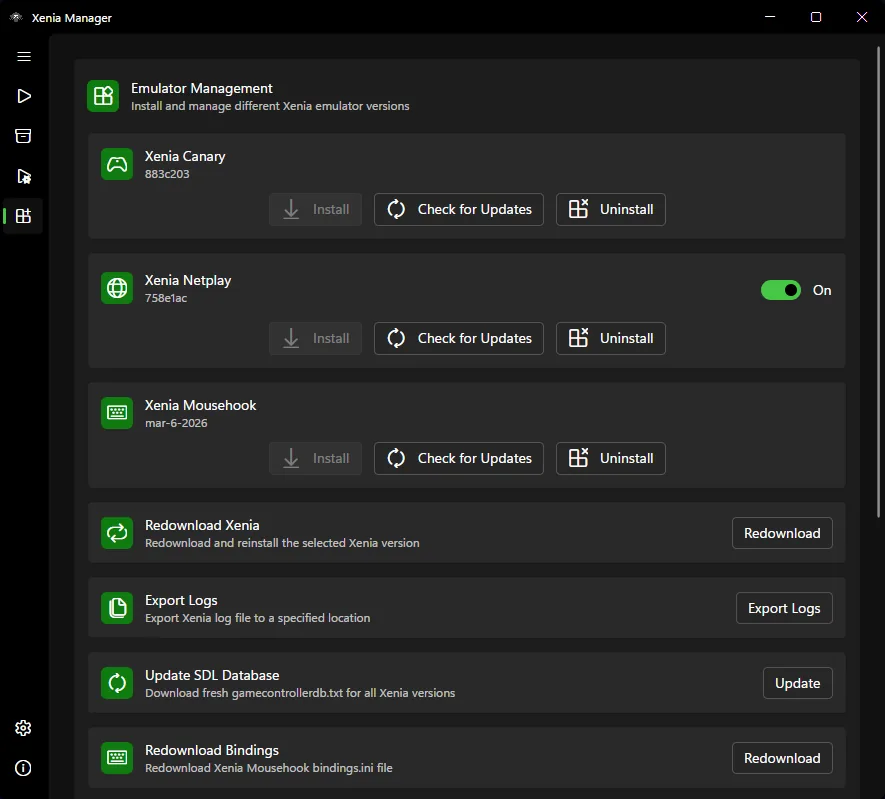
If Xenia Manager can't install Canary, first separate a failed download from a failed write, an unrecognized executable or a post-install launch error. This guide checked Xenia Manager 4.3.2, published August 20, 2026, and Xenia Canary a5262a9_canary_experimental, published August 22, 2026; official release pages remain the source of truth when tags change.
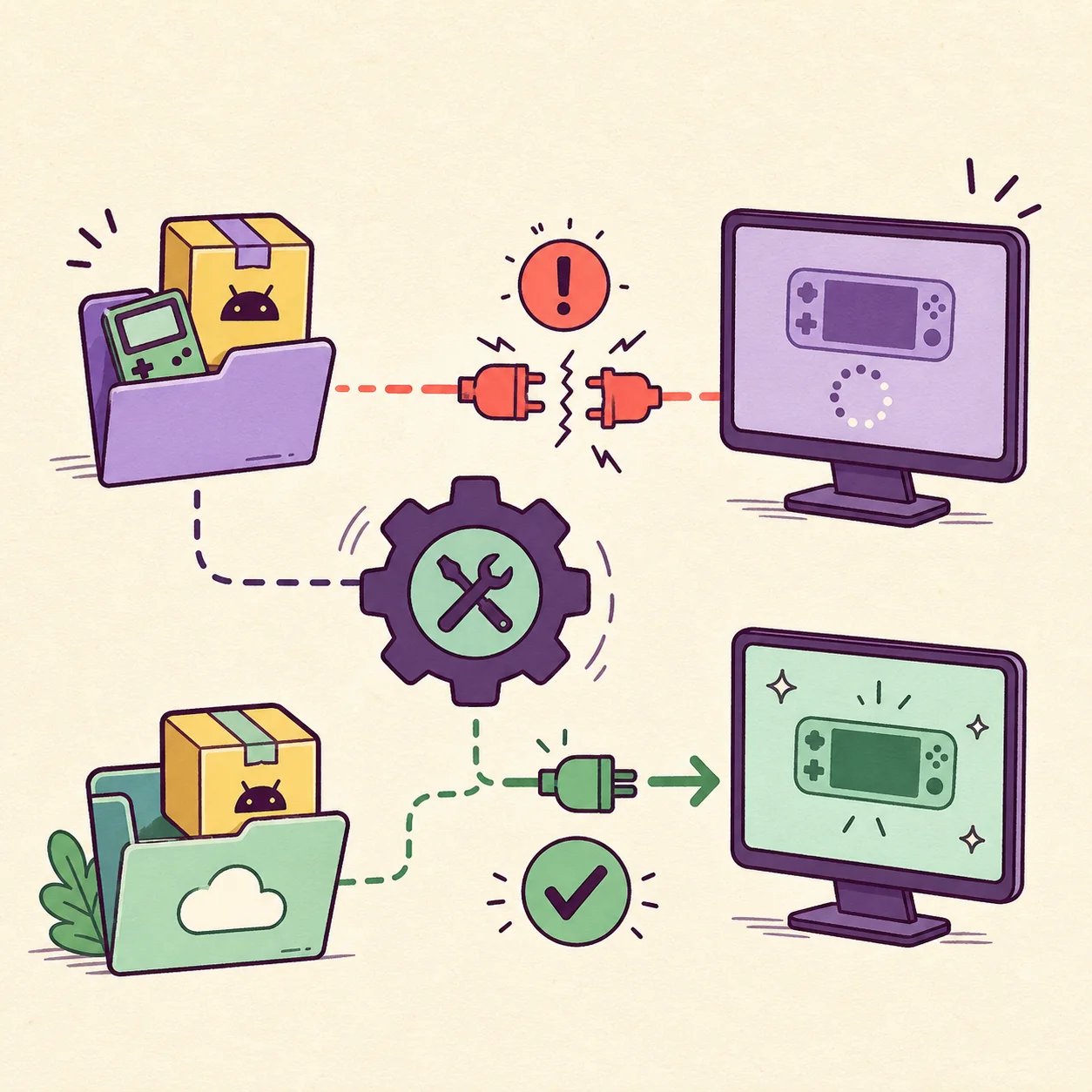
| No Canary entry | Xenia Manager cannot see a valid xenia_canary.exe. Confirm the selected version folder and rescan before deleting anything. |
|---|---|
| Download stops | Check that the destination is writable, the network request completed and security software did not quarantine the archive. Use the official release page if Manager cannot finish the transfer. |
| Installed but not recognized | Confirm the executable path, folder name and build channel. Manager needs the actual Canary executable, not only the parent folder or a partially extracted archive. |
| An update replaced a working build | Keep the old folder and profile. Install the new Canary build beside it, test one known game and return to the old folder if the result regresses. |
diagnosis
The phrase “can't install Canary” can describe four different failures: the release was never downloaded, files could not be written, Xenia Manager cannot find the executable, or Canary is installed but closes when a game starts. The repair depends on the first step that actually failed.
Xenia Manager is the management layer; Xenia Canary is the experimental emulator build. Start with the Canary download and setup guide if you are choosing a build, and use this page when the Manager-to-Canary install or detection step breaks.
paths and permissions
Close Xenia Manager before moving or replacing a build. Choose a normal user-writable folder and keep the manager, emulator builds and game content in clearly named locations. A protected directory, a cloud-sync conflict or an incomplete archive can look like a Canary installation failure even when the release itself is valid.
Back up manager data, configuration, profiles and normal saves before retrying. Then confirm that the selected path points to the version folder you intend to use. Do not select a parent directory when the dialog expects the actual executable or configuration file.
official source
Use Xenia Manager's emulator-management or update control when it can complete the download and show the destination. If the transfer fails, open the official Xenia Canary releases page and read the tag, date and Windows asset before extracting it.
This guide checked tag a5262a9 on August 22, 2026, but it does not promise that tag will remain newest. The site does not invent temporary file URLs or mirror emulator binaries; when a stable direct-file check is unavailable, the official release page is the safe fallback.
post-install test
After Manager reports success, verify that the selected build folder contains the Canary executable and that the Manager points to that executable. Launch one known-compatible game with the same renderer, resolution, patches, DLC, controller and save path used before the retry.
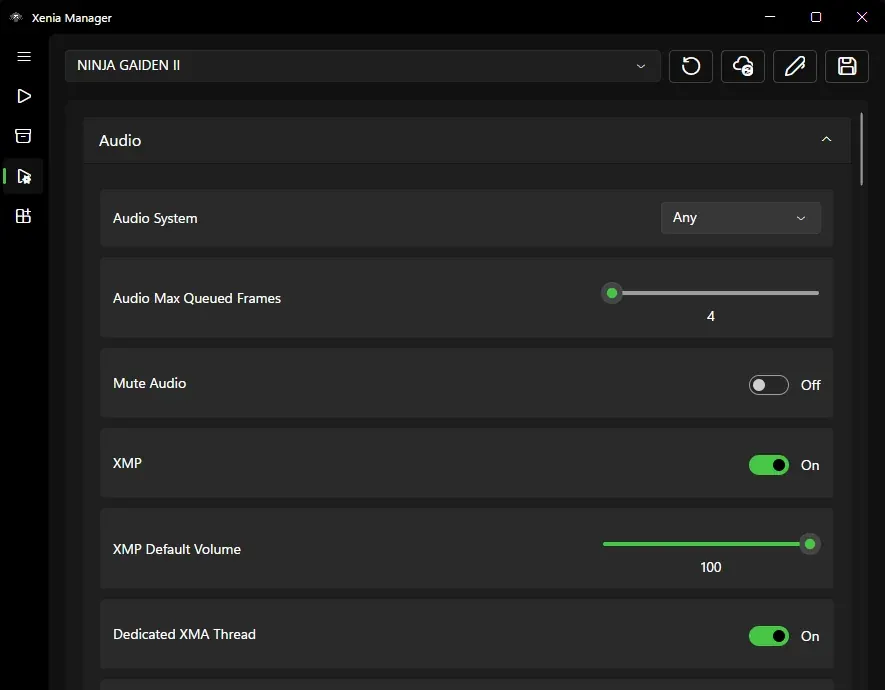
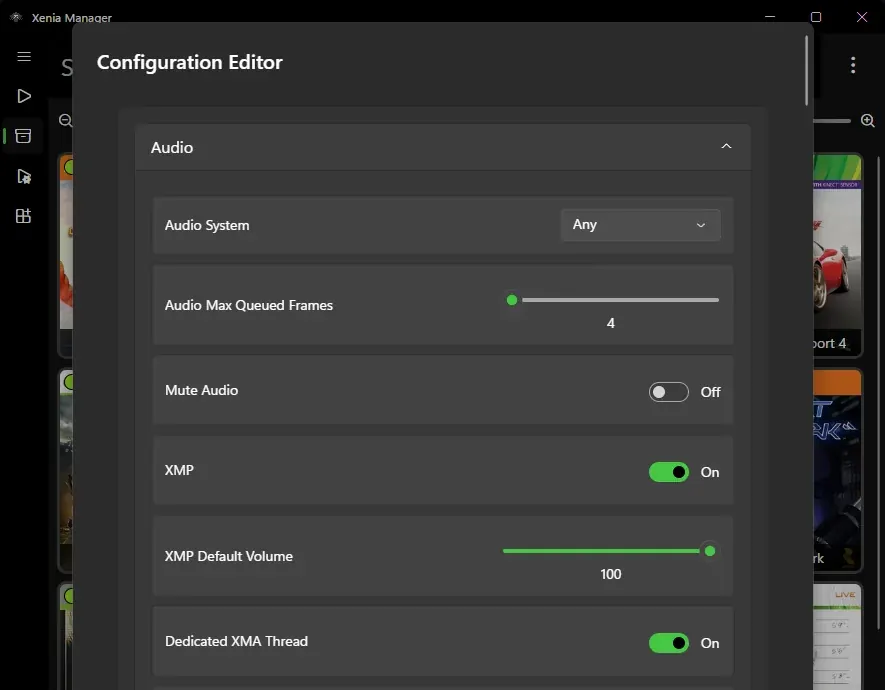
If Canary is present but games close with a configuration-file message, follow the Xenia Manager configuration file error guide. If the build launches but the game regresses, compare the old and new folders instead of changing five settings at once.
rollback
A successful extraction is not the same as a successful emulator test. Keep the previous Canary folder until the new build passes your baseline. Xenia Manager is more useful when each version has a clear name and the working build can be selected again without moving game files.
If the retry still fails, preserve the log, Manager version, Windows version, selected path and exact release tag. That evidence is more useful for an official issue than a generic report that Canary “does not work.”
safe install sequence
Reproduce the failure once and record the exact message and stage.
Keep saves, profiles, configuration and the known-good build available.
Use a clean version folder with enough space and no partial archive.
Verify repository, tag, date and Windows asset before extracting.
Confirm Manager sees the executable, then launch one known game.
Keep the new build only after the baseline passes; otherwise return to the old folder.
related Xenia guides
Understand Canary, choose the official source and keep the build separate from Xenia Manager.
Open Canary guideBack up, update, test and roll back an experimental build without losing the working folder.
Open update guideFix directory-shaped config paths and games that close before the emulator launches.
Fix config errorsReview the first-run folder, emulator, content, patches, DLC and saves checklist.
Review setupProtect normal saves and XUID profiles before moving between emulator builds.
Protect savesinstallation FAQ
The failure may be a blocked download, a non-writable destination, an incomplete extraction, an incorrect executable path or a post-install launch problem. Identify the first failed stage before reinstalling.
No. Manager helps organize or retrieve emulator versions, but the official Xenia Canary release page remains the source of truth. This site does not mirror emulator binaries.
No. Keep the known-good folder until the new build passes a repeatable game test. It is the simplest rollback path for graphics, audio, input, performance or save regressions.
Check the official release page immediately before installing. This guide checked a5262a9_canary_experimental on August 22, 2026; that dated verification can change.
Confirm that the folder contains the actual xenia_canary.exe, that extraction completed and that Manager points to that executable rather than only its parent directory. Rescan or select the executable again.
Yes, security software, protected directories and insufficient write access can interrupt extraction or remove files. Use a normal user-writable location and verify the event or log before changing security settings.
Not necessarily. When a stable direct-file URL cannot be verified, use the official release page, choose the current Windows asset there and record the tag. A temporary or guessed mirror is not safer.